

Auto-claim
Open Settings (the gear icon, see Find your way around), tap Trading and turn on Auto-claim winnings: winnings are added to your balance automatically. You can change this setting once every 15 minutes. If you don’t see the setting, auto-claim isn’t available for your account yet: claim manually.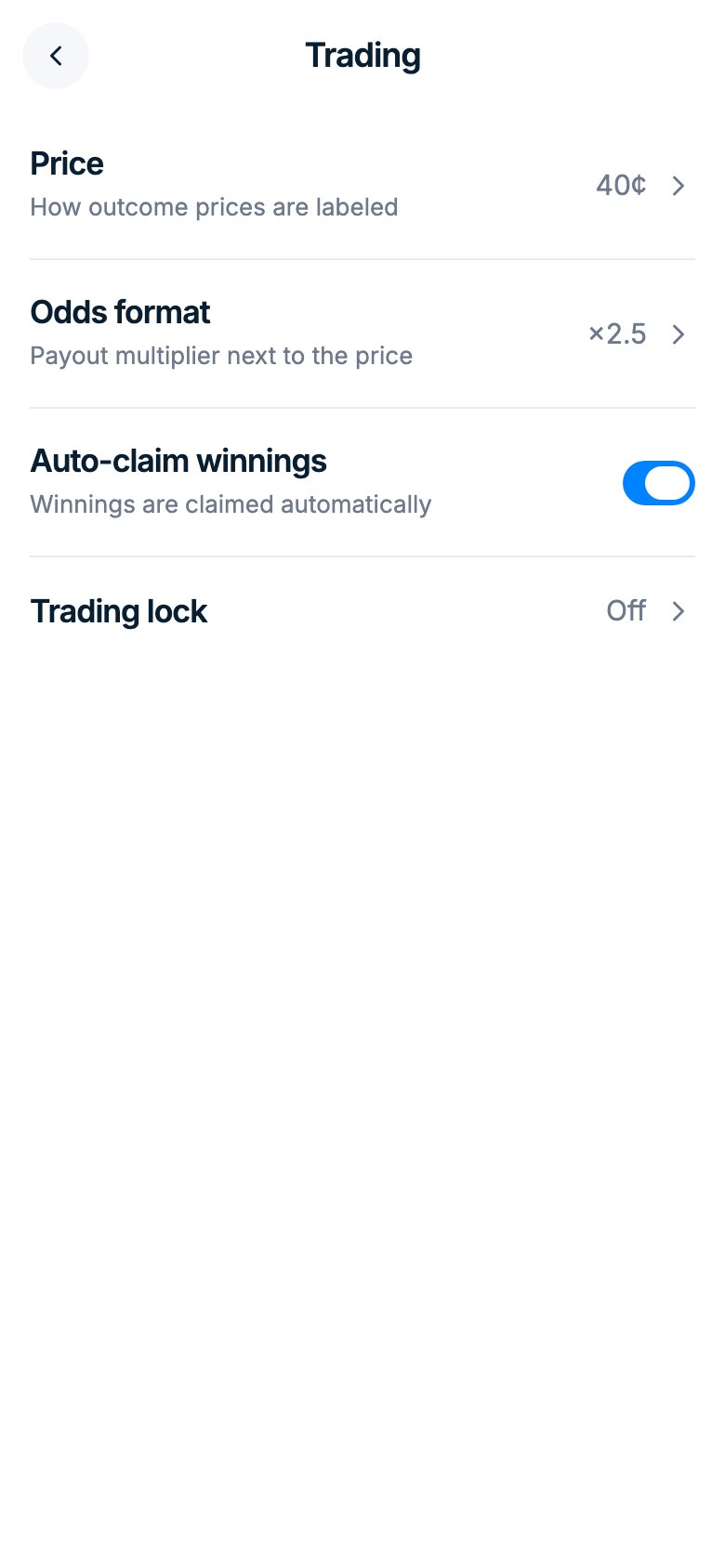
Claim manually
- Open Portfolio.
- Tap Claim all to collect every resolved position, or claim a single position from its row.
- The amount is added to your balance. Claimed positions move from Positions to History.
Good to know
- Right after a market resolves, the result can take a few minutes to show in Portfolio.
- Losing positions are worth $0. Tap Close position to clear them from the list.
- Got “Claim error” or “Connection lost”? Refresh Portfolio first: the winnings may already be in your balance.
Winning position missing?
- Look in History: claimed positions move there, and the money is already in your balance.
- Check that you’re logged in with the same method as before. See Accounts and login.
- Open the market and check that it has resolved: the end date is only an estimate.
- Claim failing? Refresh and try again later. Winnings never expire.