

Place a limit buy order
1
Switch to Limit
In the trade window tap Market at the top right and choose Limit.
2
Set the shares and price
Enter the number of Shares (the market minimum by default, usually 5) and the Limit price in cents. The window shows Cost and To win.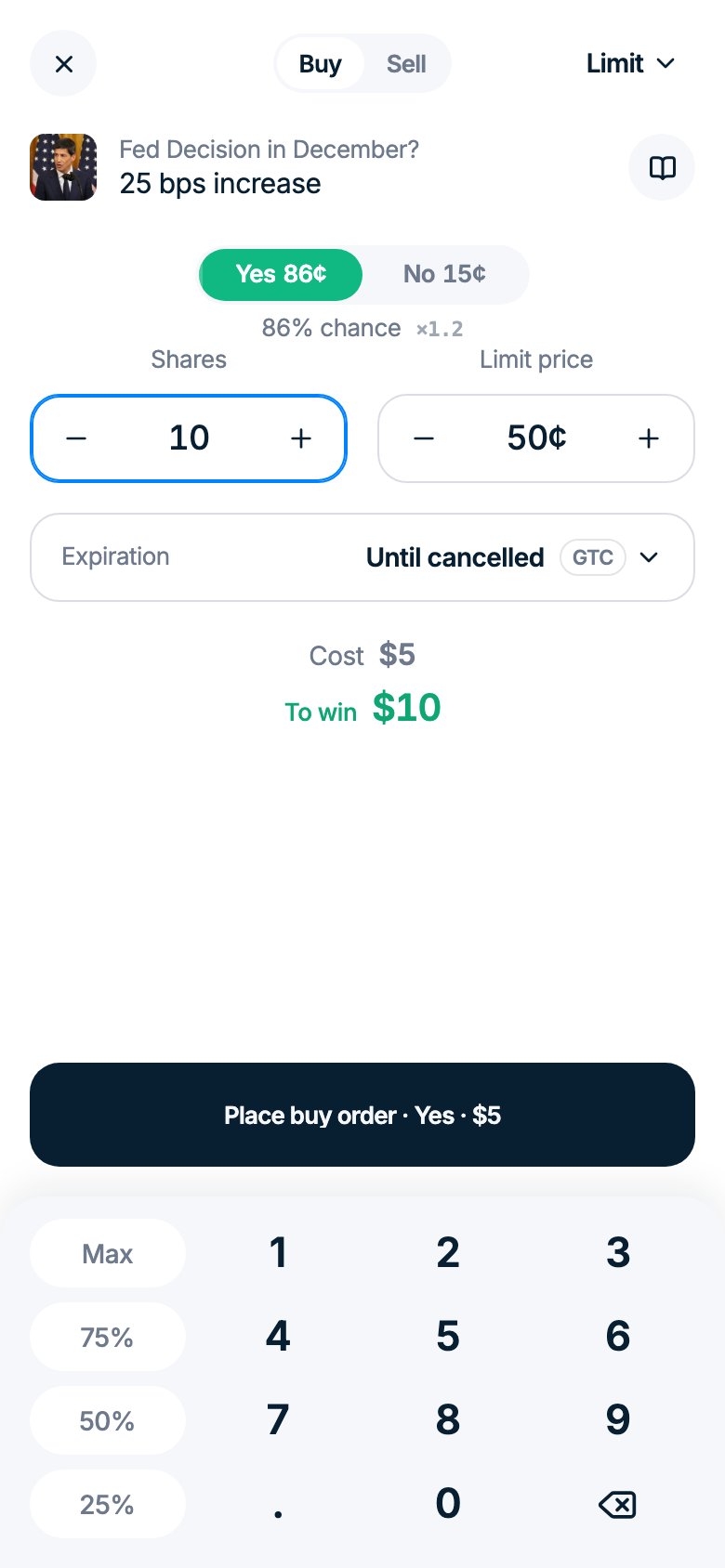
3
Choose the expiration
For Wait on the book orders, tap Expiration and pick 5 min, 1 hr, 12 hr, 24 hr, End of day, Custom date or Until cancelled. With Until cancelled the order stays open until it fills or you cancel it. In sports markets, Polymarket cancels all open limit orders when the game starts.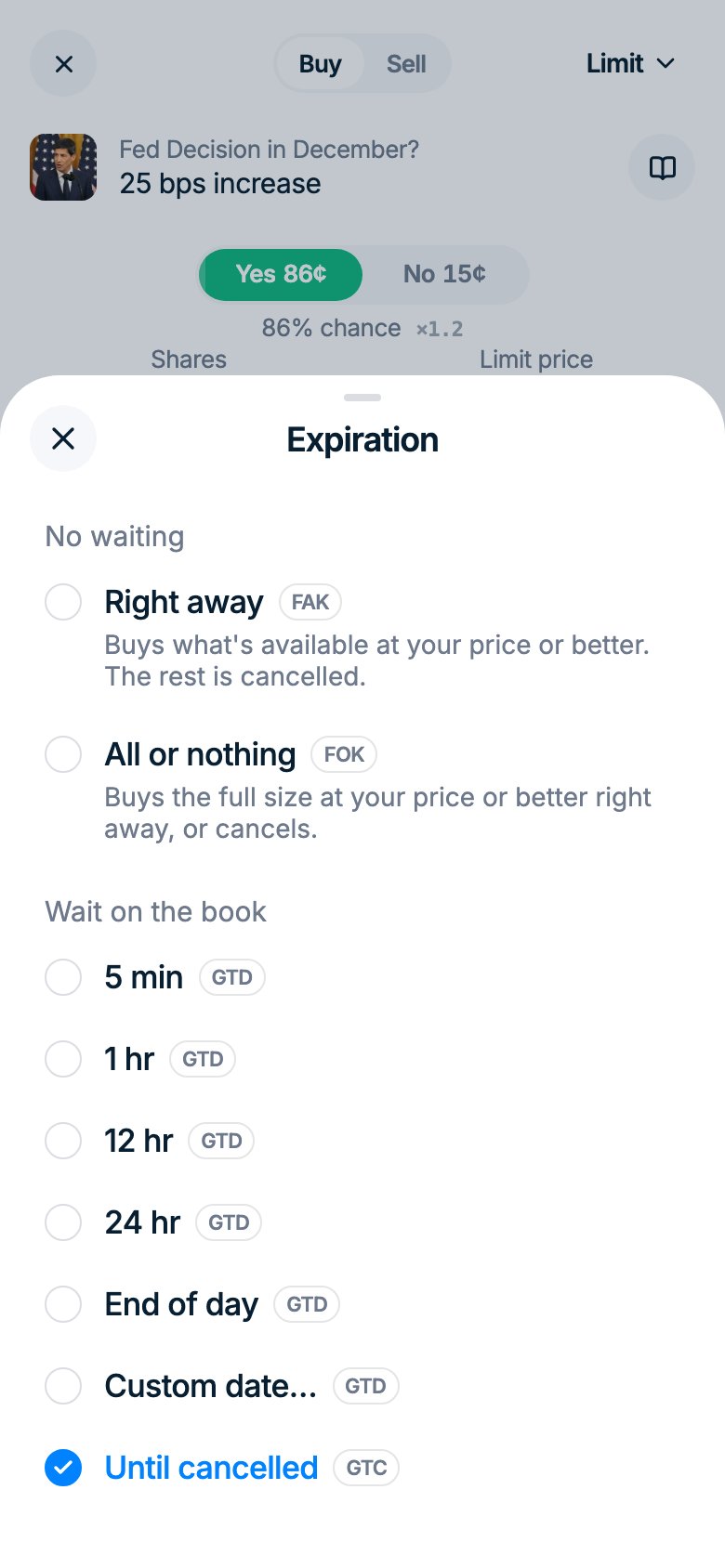
4
Place the order
Tap the Place buy order button (on a narrow screen it reads Buy Yes · $15). The order appears in Portfolio → Orders, where you can cancel it.
Sell at your price
Open your position, tap Sell, switch Market to Limit, set the shares and price and tap Place sell order.Limits and messages
- Each market has a minimum size, usually 5 shares. An order that fills right away must also be worth at least $1.
- Prices change in fixed steps set by the market, usually 1¢ or 0.1¢.
- A custom expiration must be at least 3 minutes away.
- With Right away you may see Partly filled, rest cancelled or Nothing to buy at your price right now.
Money for an open buy order is reserved and can’t be used for other trades until the order fills or you cancel it. Shares in an open sell order are held the same way: cancel the order to sell them another way.