

1
Open Settings
Open Settings (the gear icon, see Find your way around), then Trading and Trading lock.
2
Choose the period
Pick 1, 7 or 30 days and tap Next to review What changes.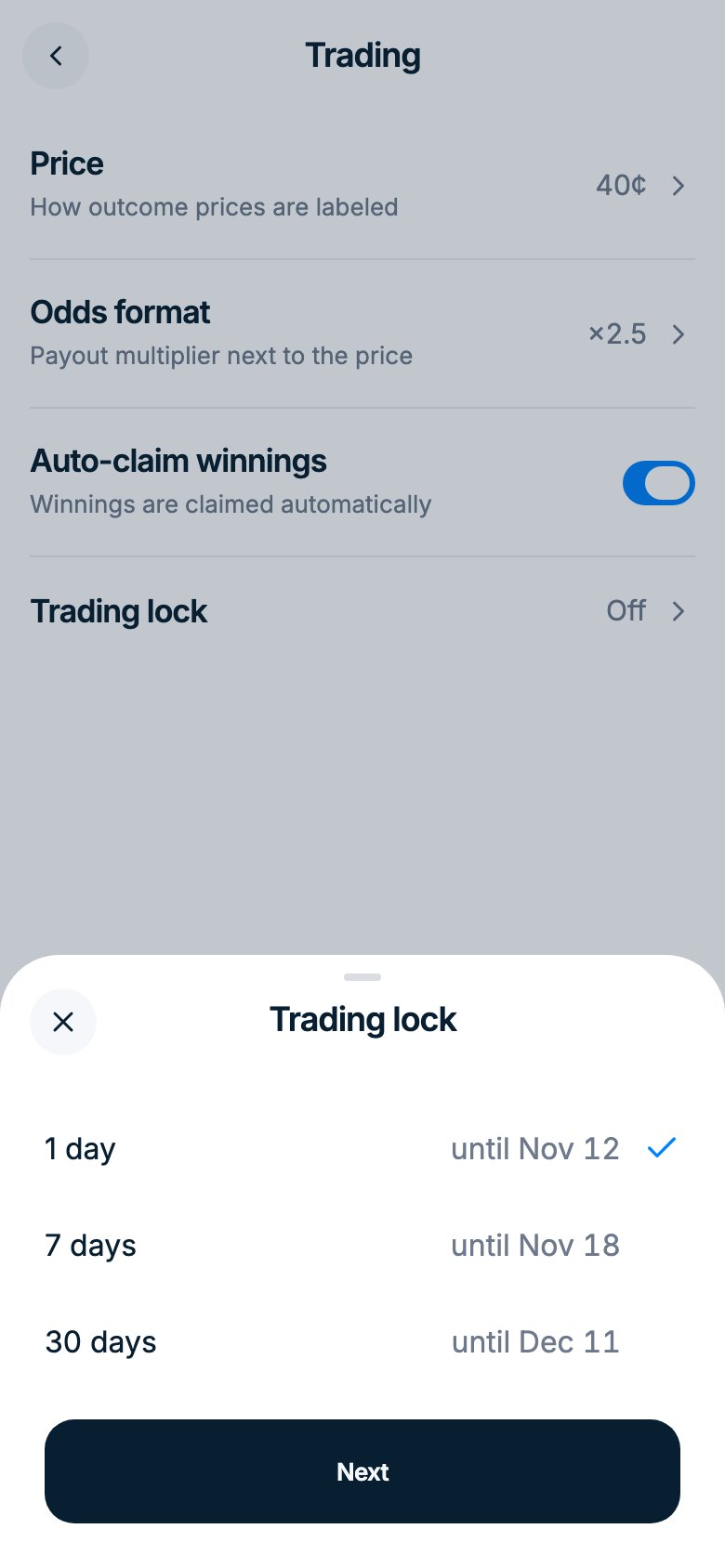
3
Confirm
Tick I understand the lock can’t be cancelled or shortened and tap Lock.