1
Log in
Open polym.trade and tap Log in. Sign in with email, Google, X (Twitter), Apple or Telegram. Your account and wallet are created automatically, no seed phrase needed. Once you add a passkey in Settings, you can also sign in with it on the website.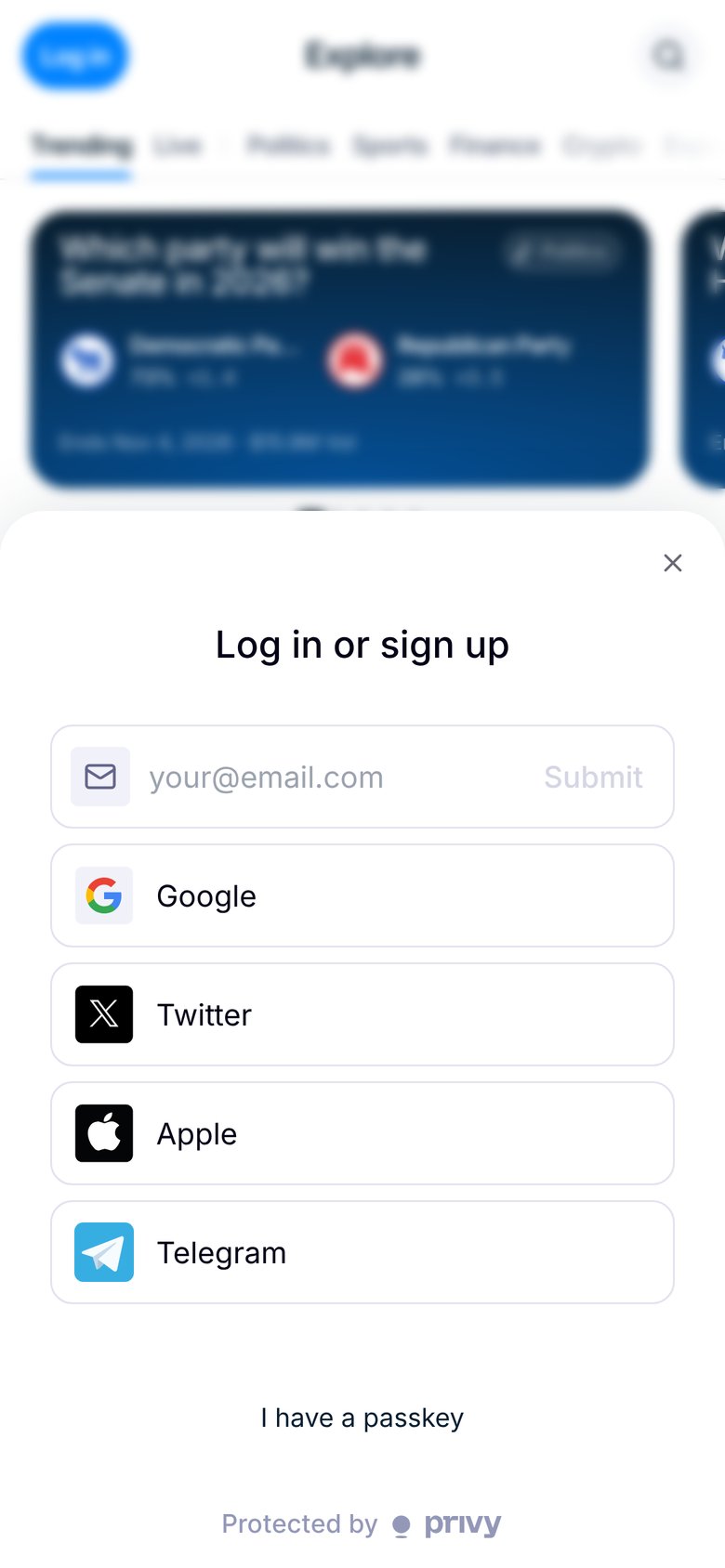
2
Pick a market
Browse Explore, open a category or use search. Tap a market to see its chart, rules and outcomes.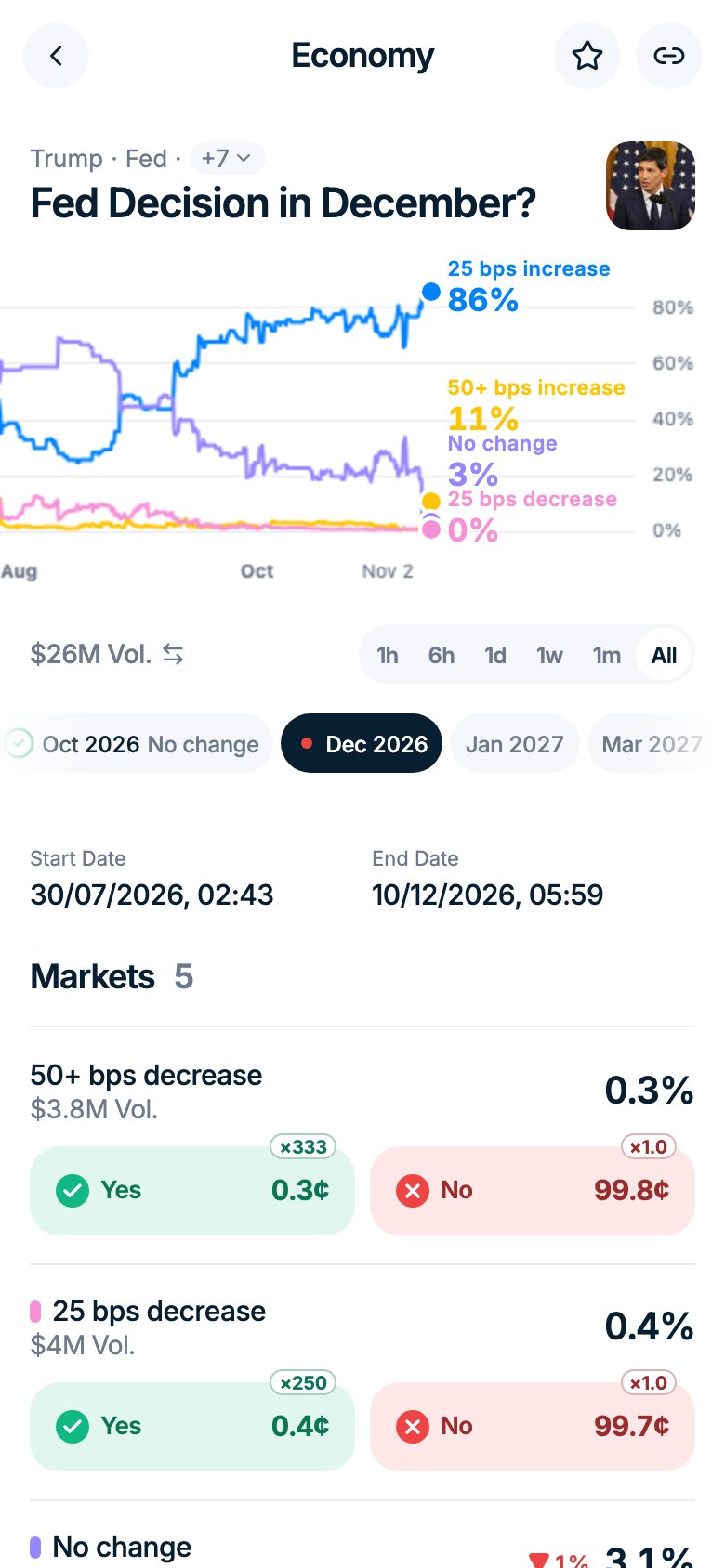
3
Add funds
Top up with crypto or a card. See Deposit with crypto and Deposit with a card.
4
Place your first trade
Tap Yes or No, enter the amount and tap Buy. On a phone, a large buy (over a quarter of your balance) asks you to slide to confirm. The minimum trade is $1, and you need at least $1.10 in your balance. See Buy and sell.
Find your way around